
The Zero-App Wedding: How 200 Guests Captured 1,500 Photos Without a Single App Store Visit
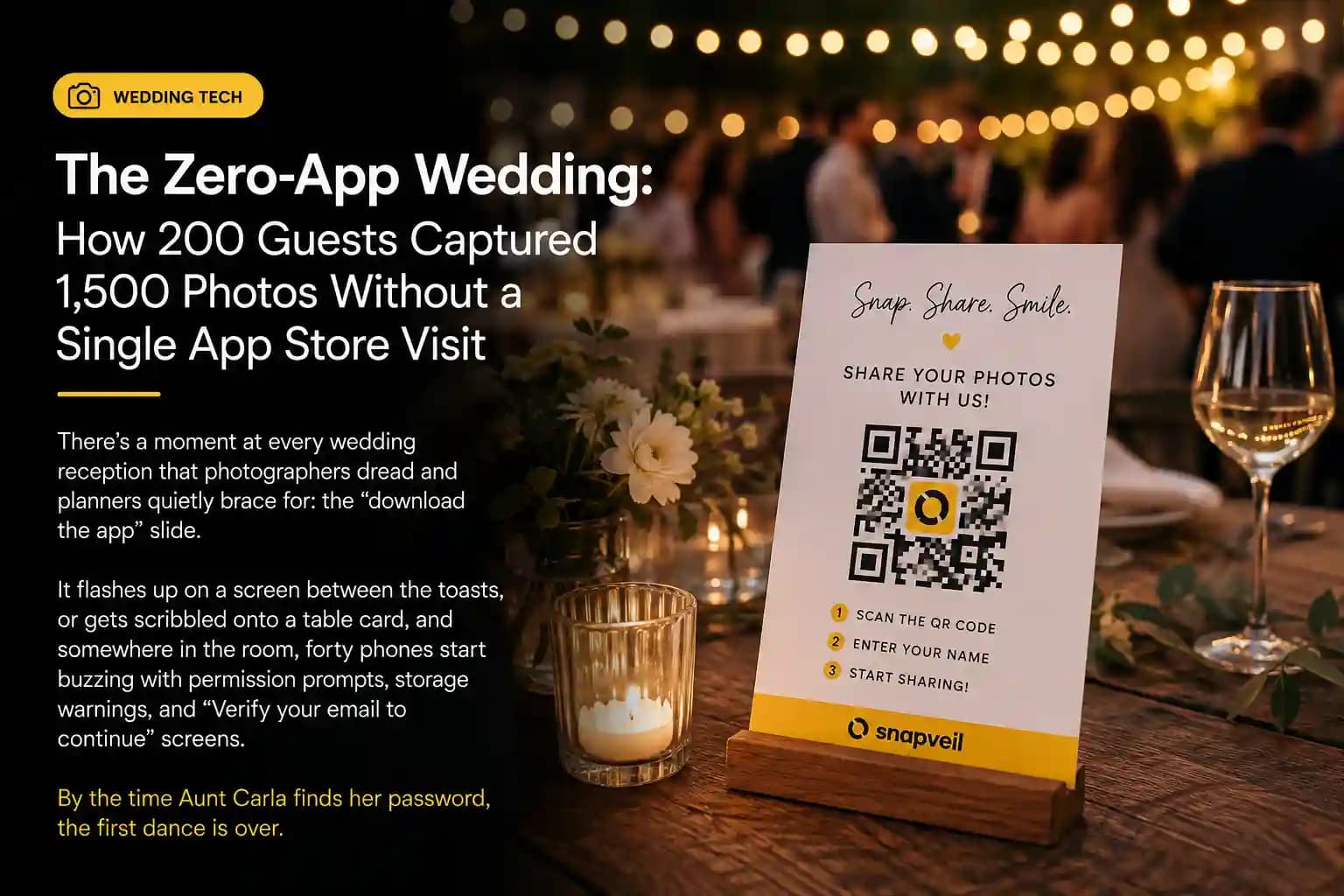
There's a moment at every wedding reception that photographers dread and planners quietly brace for: the "download the app" slide. It flashes up on a screen between the toasts, or gets scribbled onto a table card, and somewhere in the room, forty phones start buzzing with permission prompts, storage warnings, and "Verify your email to continue" screens. By the time Aunt Carla finds her password, the first dance is over.
At one September wedding outside Münster, that moment simply never happened. No app. No download bar creeping across anyone's screen. No cousin from out of town muttering "I'll just send you mine later" and never doing it. Instead, 200 guests pulled out their phones, pointed them at a table card, and started shooting. By the end of the night, the couple had over 1,500 photos sitting in one gallery — taken from angles no hired photographer could have covered, uploaded by people who never once left their camera roll.
This is the story of what happens when you remove the single biggest point of friction in event photo sharing: the app itself.
The Old Ritual: Download, Register, Repeat
Traditional guest-photo tools ask a lot of people who are, frankly, busy having a good time. The typical flow looks something like this:
- Notice the QR code or sign-up sheet
- Open the App Store or Google Play
- Wait for the download (hope the venue Wi-Fi holds up)
- Create an account — email, password, sometimes a phone number
- Grant permissions: camera, photos, notifications
- Finally start taking pictures
Each of those steps is a doorway a guest can walk away from, and a meaningful percentage do. Multiply that drop-off across 150 or 200 people, factor in spotty venue Wi-Fi and the two or three guests over 70 who have never installed an app from a QR code in their life, and you get the familiar result: a gallery with 40 photos instead of 400, most of them from the same six people who were already tech-comfortable enough to push through the friction.
It's worth naming the metaphor plainly: asking guests to download an app to share a few photos is like asking dinner guests to get a kitchen certification before they're allowed to pass the salt. The barrier has nothing to do with the task.
The Zero-App Alternative: A Camera, Not an Account
The wedding in question used Snapveil's browser-based upload flow instead. Guests scanned a QR code printed on the table cards and centerpieces, and within two to three seconds, a camera interface opened directly in their phone's browser — no install, no account creation, no password to forget by the time the cake was cut.
The mechanics matter here, because they explain the outcome:
- QR code, not app store link. The code pointed straight to a mobile-optimized web page, skipping the discovery and installation step entirely.
- Browser-native camera access. Guests could shoot new photos or upload existing ones from their camera roll, all inside the browser tab.
- No account required. Uploading didn't ask anyone to register, verify an email, or remember a password later.
- Instant visual confirmation. Each upload appeared in the live gallery within moments, which turned photo-taking into a small, satisfying feedback loop rather than a one-way action into the void.
That last point turned out to be the quiet engine behind the volume. Once a few guests saw their photos pop into a shared gallery on the big screen near the bar, it became a bit of a game. People started hunting for better angles — the string lights from below, the flower girl mid-sprint, the groom's grandfather laughing at something no one else caught. The gallery wasn't just collecting photos; it was actively encouraging better ones.
The Numbers Behind the Night
- 200 guests invited, roughly 178 actively uploaded — an unusually high participation rate for a guest-photo tool, driven almost entirely by the absence of a signup wall.
- 1,500+ photos collected across the reception, more than triple what the couple's photographer alone delivered in her official gallery.
- First upload arrived within four minutes of the QR codes going live on the tables, before the appetizers had even landed.
- Peak upload activity happened during the first dance and cake cutting — the exact moments a single hired photographer physically cannot be in five places at once.
That last stat is the real argument for guest photography as a category. A professional photographer captures the moments they can see, from where they're standing, through one lens. Two hundred guests scattered around a room capture the moments the photographer's back is turned to — the best man wiping his eyes during the speech, the flower girl asleep under a chair by 10 p.m., the exact second the bouquet left the bride's hands mid-air.
Why Friction Is the Real Villain, Not Technology
It's tempting to credit "AI-powered search" or "smart galleries" for a strong guest-photo turnout, and those features matter once the photos exist. But the honest story of this wedding is simpler and less flattering to the tech industry's usual instincts: the single biggest lever wasn't a feature at all. It was the removal of one.
Every app-based competitor in this space is, functionally, asking guests to do a small piece of unpaid IT work in exchange for the privilege of sharing a photo they already took for free. Browser-based upload flips that transaction. The guest already has the photo. The only job left is to move it from one place to another, and that job should take three taps, not three minutes.
There's a version of this thinking that applies well beyond weddings — corporate offsites where badge-wearing employees won't install a vendor app on a personal phone, conferences where attendees are juggling six other apps already, festivals where cell signal makes a 40MB download a lost cause. The zero-app model isn't a wedding trick. It's a response to a universal truth about crowds: the bigger the group, the less patience it collectively has for setup steps.
What This Means If You're Planning an Event
If you're choosing a guest-photo tool for a wedding, corporate event, or conference, the app-store step is worth scrutinizing harder than the feature list. Ask directly:
- Does a guest need to install anything, or does a QR code open straight into a camera?
- Is an account or email required before the first photo can be uploaded?
- What happens on venue Wi-Fi that's slow or congested — does the flow degrade gracefully?
- How is the data handled afterward — who can see it, how long is it kept, and does it meet GDPR expectations for guests in the EU?
That last question matters as much as the first three. A frictionless upload flow that quietly mishandles guest data isn't actually solving the problem — it's just moving the friction from "before the photo" to "after the wedding," when someone finally reads the fine print.
The Real Lesson
The couple in Münster didn't get 1,500 photos because their guests were unusually tech-savvy or unusually enthusiastic photographers. They got 1,500 photos because nobody had to think about technology at all. The QR code disappeared into the background the moment it did its job, and what was left was just people, cameras they already had in their pockets, and a party worth documenting from two hundred different angles.
That's the whole pitch for browser-based guest galleries, distilled: the best photo-sharing technology at a wedding is the technology nobody notices using.
Snapveil is a privacy-first, browser-based guest photo gallery for weddings and events. Guests scan a QR code and start uploading in seconds — no app, no account, no friction. See how it works at snapveil.com.
Related Articles
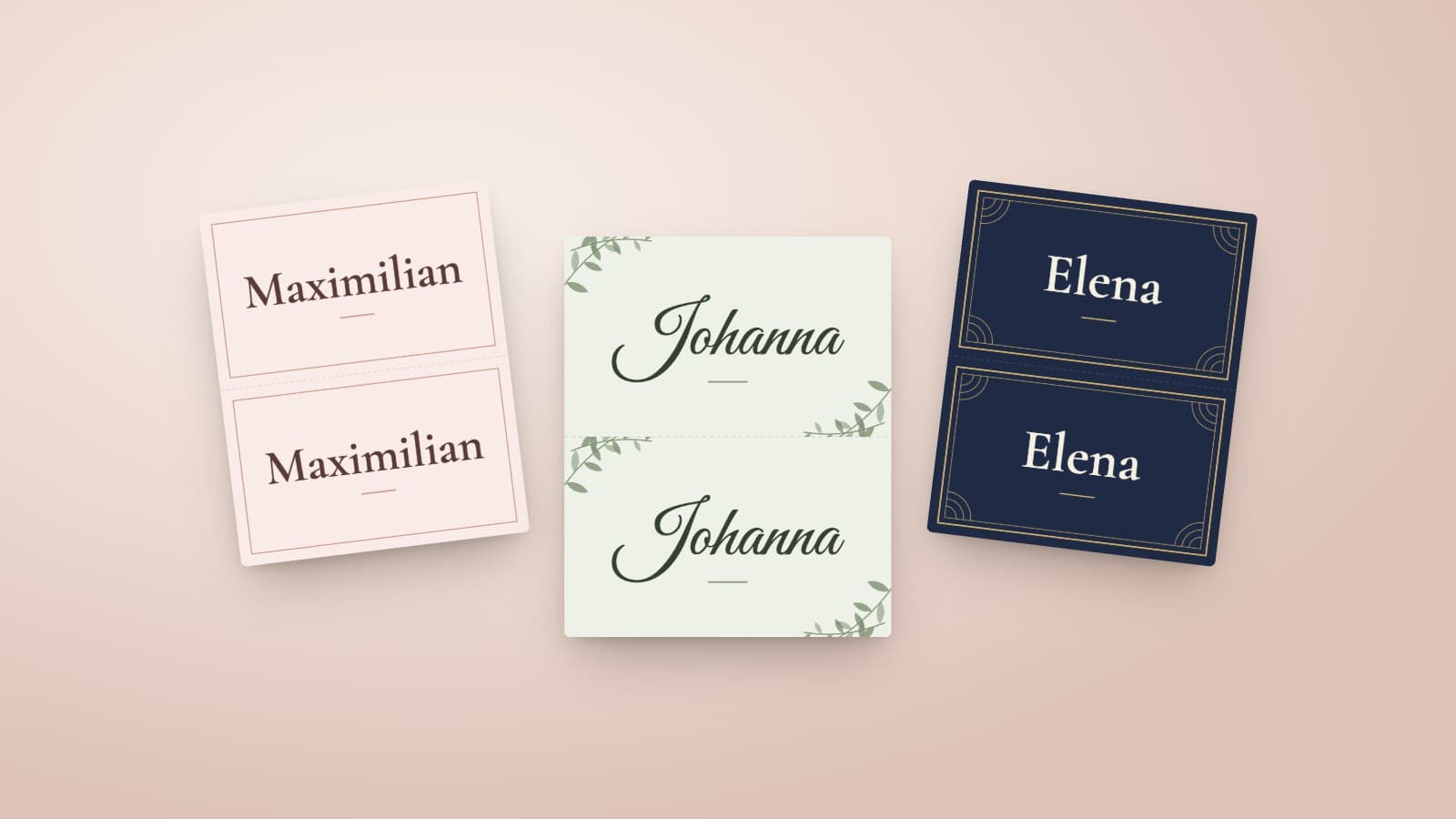
DIY Wedding Place Cards: Format, Paper and Printing at Home
How to make wedding place cards yourself: which format and paper work, what belongs on the card, and how a guest list becomes a print-ready PDF.
Read article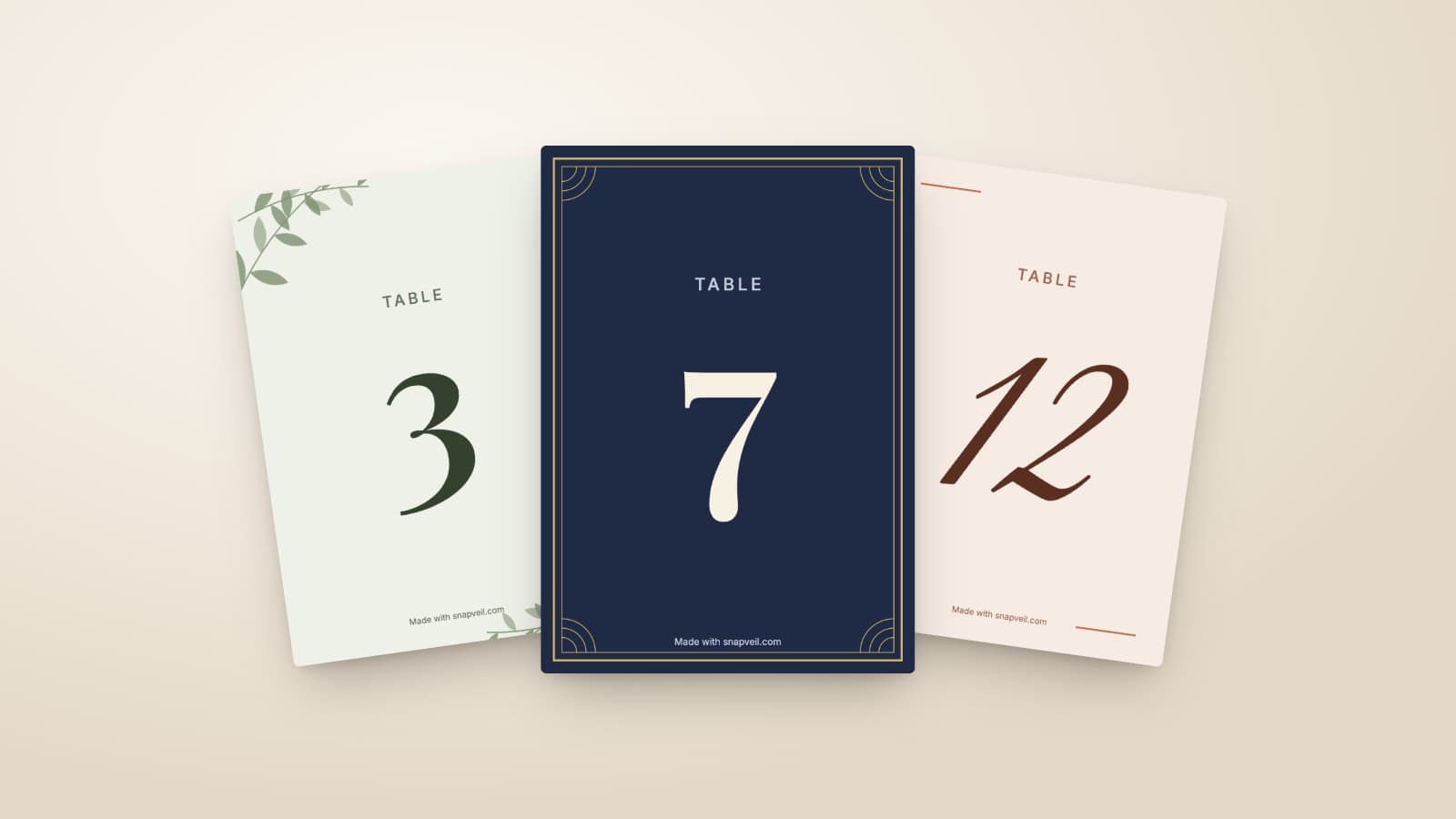
Wedding Table Numbers: Size, Placement and a Free Printable Template
How large wedding table numbers need to be, where they stand and what else goes on the card. With a free template to print at home in A6 or A5.
Read article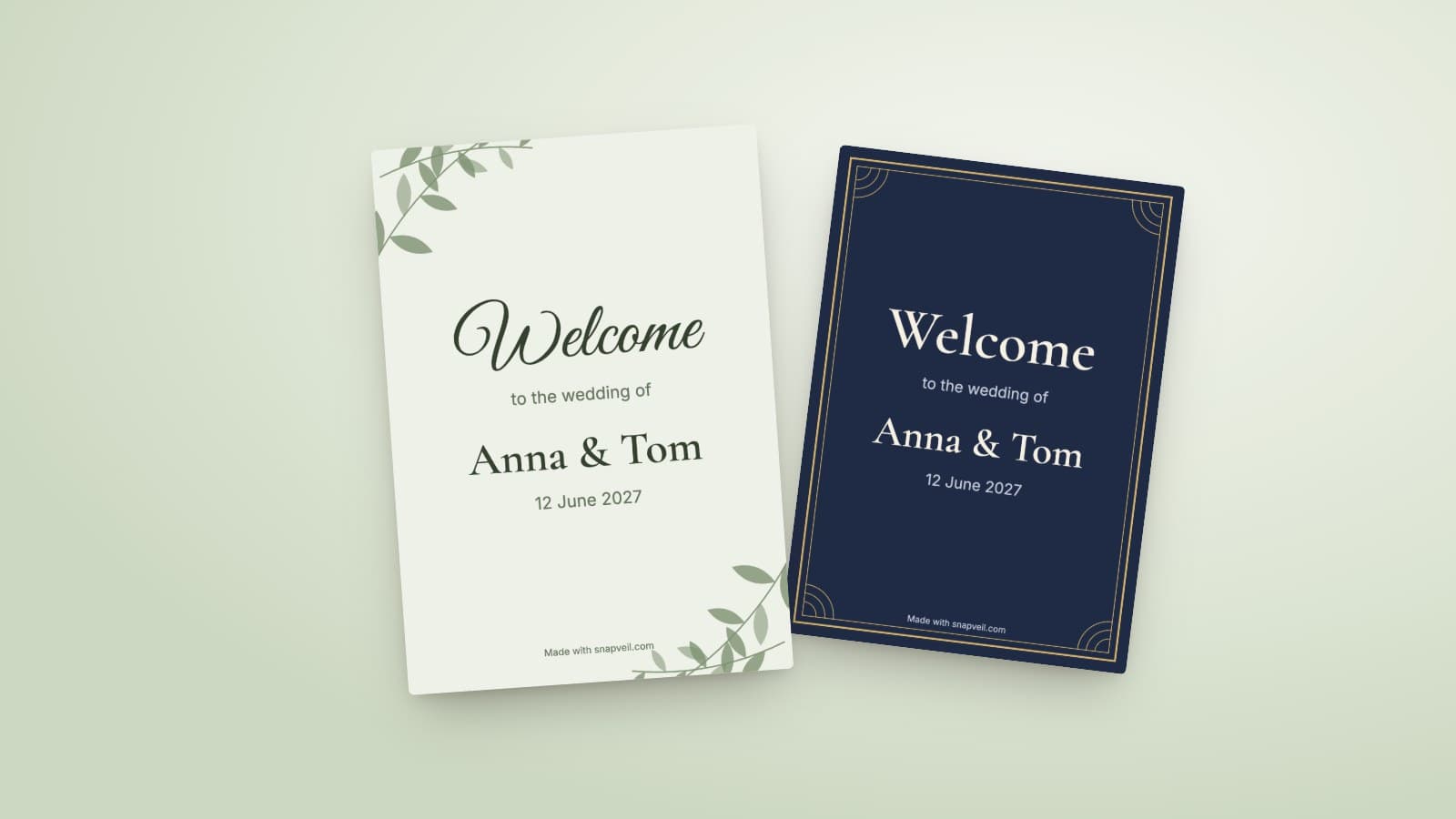
Wedding Welcome Sign: Wording, Size and Printing
What belongs on a wedding welcome sign, which size works at the entrance and how to print it. With wording ideas and a free template in A4 and A3.
Read article