
DIY Wedding Place Cards: Format, Paper and Printing at Home
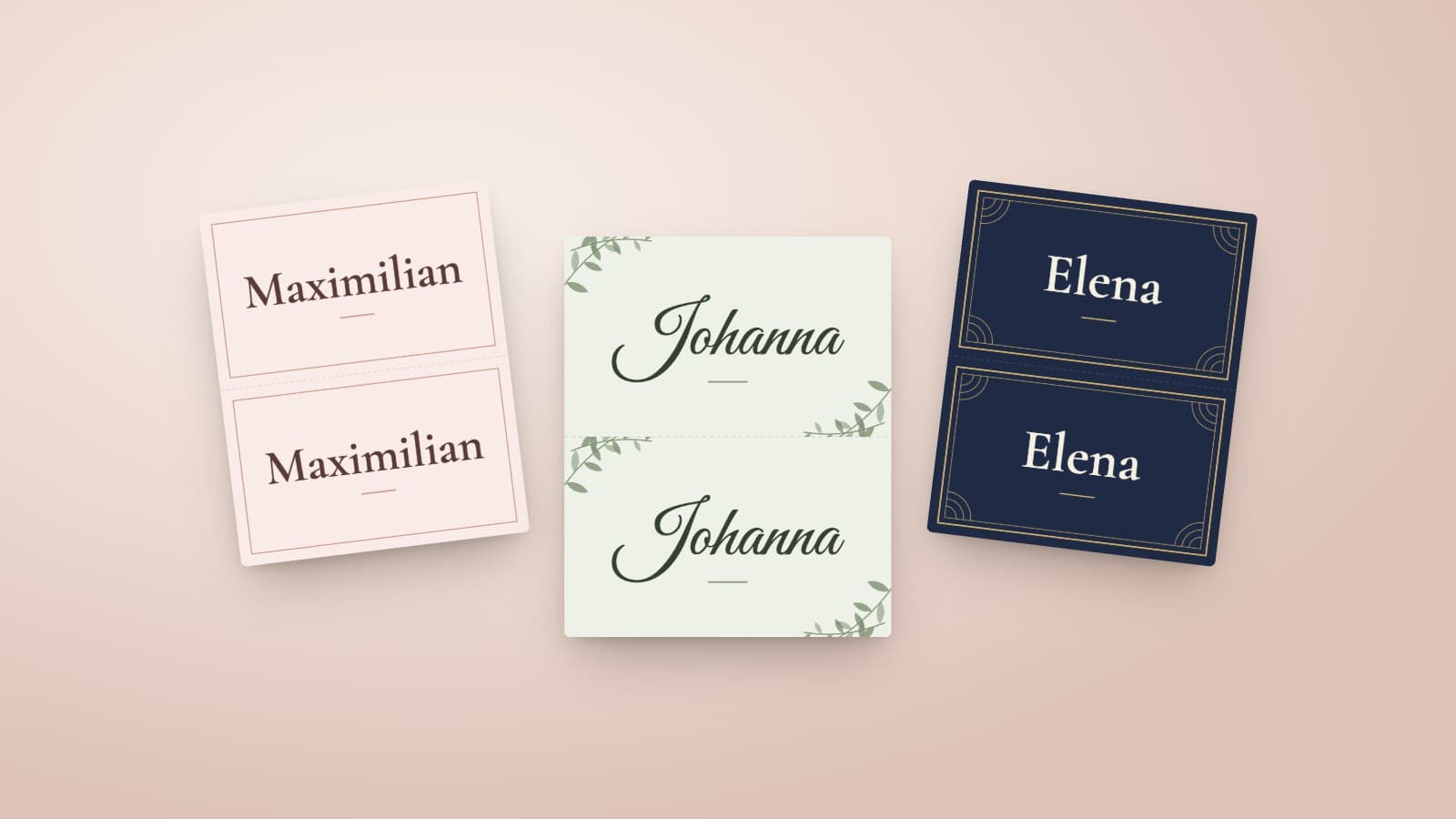
Place cards are the smallest piece of paper at a wedding and one of the most useful. They spare eighty people the question of where to sit, they tell the waiting staff who gets the vegetarian menu, and they are the first thing your guests pick up at their seat. Bought ready-made, they can cost more per piece than the stamp on the invitation. Made at home, they need a printer, sturdy paper and an hour of your time.
This guide walks through it once: which format works, what belongs on the card, how to turn your guest list into print-ready cards in a few minutes, and where it tends to go wrong in practice.
Place card, escort card, table number: three things, one muddle
The terms get mixed up in conversation, but it pays to separate them when you order or make them. A place card stands at a single seat and carries one guest's name. A table number stands in the middle of the table and applies to everyone sitting there. The seating chart hangs at the entrance and tells each guest which table to look for.
You do not necessarily need all three. With open seating at an assigned table, a seating chart and table numbers are enough. If you want to decide who sits next to whom, place cards come on top. There is a separate template for the numbers: design table numbers.
Format and paper
The usual format is the folded card that stands on the table like a small tent. Folded, it measures about 9 × 5.5 cm, roughly the size of a business card. That is large enough for a name in readable type and small enough not to get in the way of glasses and cutlery.
With paper, weight decides. Ordinary 80 g/m² printer paper collapses when folded. From 200 g/m² a card stands firm, and up to 250 g/m² most home printers still feed the sheet cleanly. Matte paper is the better choice: it does not reflect candlelight, and the ink smudges less when someone reaches for it with damp fingers.
If you use an inkjet printer, let the sheets rest for a few minutes after printing before you cut. A laser printer does not need that, but very thick stock can jam in the feed. One test print on the real paper settles both questions before thirty pages run through.
What belongs on the card
The name, written the way the person wants to be addressed. At a wedding among friends that is usually the first name. If two guests at one table share a first name, the initial of the surname helps. At a more formal celebration, or with many guests who do not know each other, the full name goes on the card. Leave out titles unless the person clearly cares about them.
Children get a card of their own with their first name. For plus-ones whose names you do not know, ask rather than writing "Thomas's guest"; the question costs one message and saves an awkward moment at the table.
The front needs nothing more. A small symbol for the menu choice is practical if the staff ask for it, but it belongs on the back or on the list for the kitchen.
Step by step to the finished card
With Snapveil's free place card generator, all cards are made in one go. Snapveil is our own product; the generator works without an account, and the guest list never leaves your browser.
- Prepare the guest list. Copy the name column from your spreadsheet, one name per line. Check the spellings first, ideally with a second person.
- Paste the list. The generator shows at once how many cards it will make. Up to 120 names fit into one run.
- Choose a design. There are twelve designs, ten colour palettes and three typefaces. The preview shows front and back with your names.
- Download the PDF. Four cards fit on one A4 sheet, with cut lines and a fine fold line.
- Print at 100% scale. Switch off "fit to page" in the print dialog, or the measurements will no longer be right.
- Cut, score, fold. Cut along the dashed lines first, then run the back of a knife along the fold line with a ruler, then fold.
Long names are set smaller automatically or spread over two lines. Double-barrelled names break at the hyphen, not in the middle of a word.
The back: more than an empty surface
A folded card has two sides, and the guest opposite sees the back one. With nothing else entered, the generator prints the name on both sides. That makes it readable from every seat, which helps more at round tables than you would expect.
The second option is a QR code. If you paste the link to your photo gallery, the back of every card carries a code with a short instruction. Guests scan it with their phone camera and upload their photos, without an app or an account. Because the card stands at every seat, the code also reaches the guests who walked straight past the welcome sign. How the gallery side works is explained on the page about QR code photo sharing; an event with up to 250 photos is free with Snapveil.
Scan the code yourself once from the printed card before you print every sheet. A typo in the link otherwise only shows up on the evening itself.
Where place cards fail in practice
The most common problems have nothing to do with design. The first is print scaling: many printers shrink a PDF by a few percent automatically, and the cut lines no longer line up. The second is paper that is too thin and buckles after an hour in a warm room. The third is names. A misspelt "Katharine" with a C stays with the person longer than the dessert does.
Then there is timing. Do not print the cards weeks ahead, because guests cancel and confirm right up to the last week. Three or four days before the celebration is a good moment: the list is settled, and there is still time to reprint single cards. Keep the PDF, and a replacement card is printed in two minutes.
Put two or three blank cards and a matching pen aside as well. Someone always brings an unannounced guest.
Make them or order them
Ordered place cards from a print shop have their place: embossing, gold foil or handmade paper are beyond any home printer. If that is what you want, a print shop is the right address, and you should allow for the delivery time.
For everyone else there is a lot to be said for printing at home. It costs the paper, it allows changes until the night before, and it matches your other stationery in typeface and colour if you take it all from the same template. Table numbers and the welcome sign use the same designs and palettes, so table and entrance end up belonging together.
The cards themselves are soon forgotten. That everyone found their seat, and that the evening's photos ended up in one place, is what stays.
Frequently Asked Questions
Related Articles
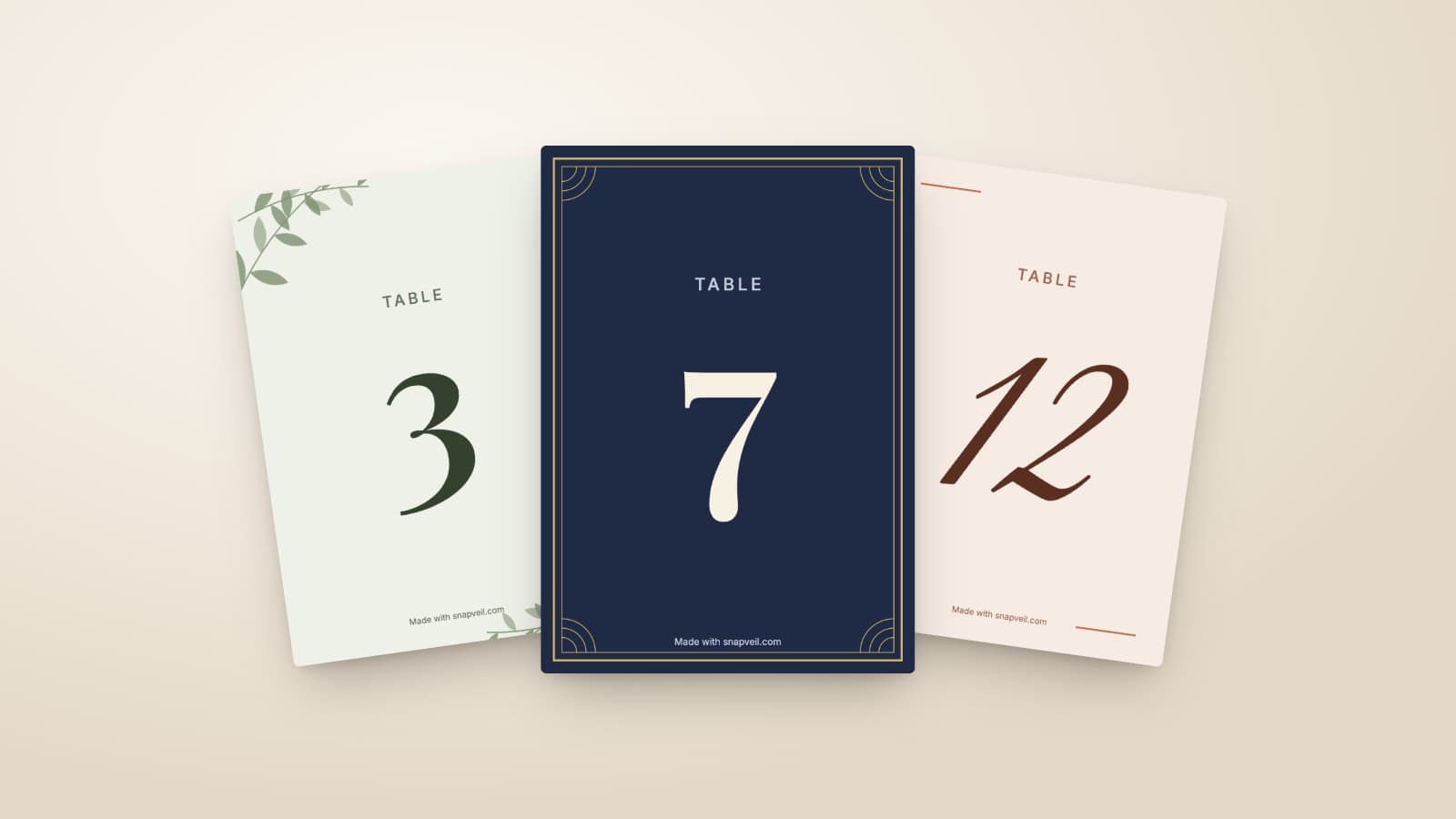
Wedding Table Numbers: Size, Placement and a Free Printable Template
How large wedding table numbers need to be, where they stand and what else goes on the card. With a free template to print at home in A6 or A5.
Read article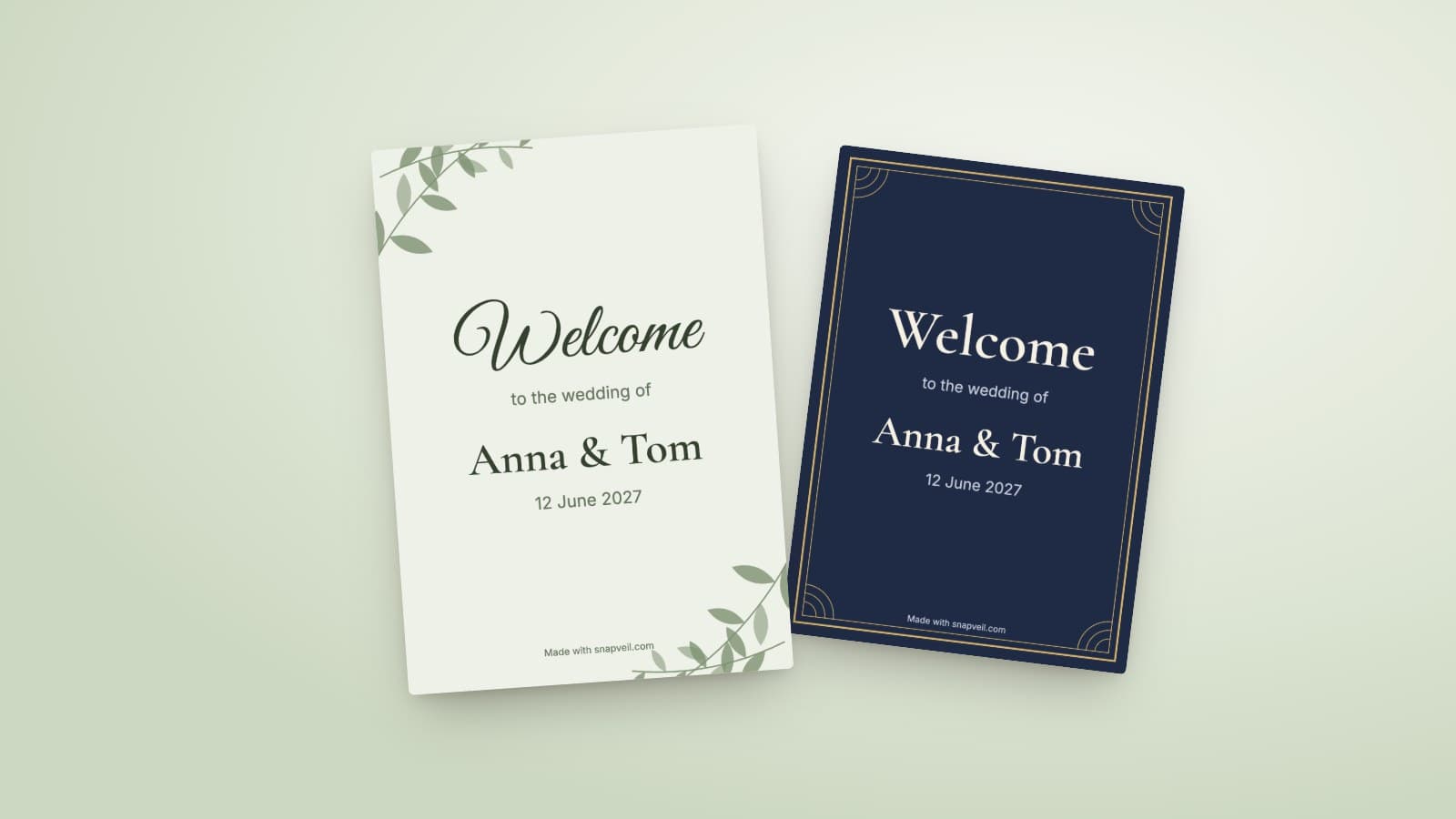
Wedding Welcome Sign: Wording, Size and Printing
What belongs on a wedding welcome sign, which size works at the entrance and how to print it. With wording ideas and a free template in A4 and A3.
Read article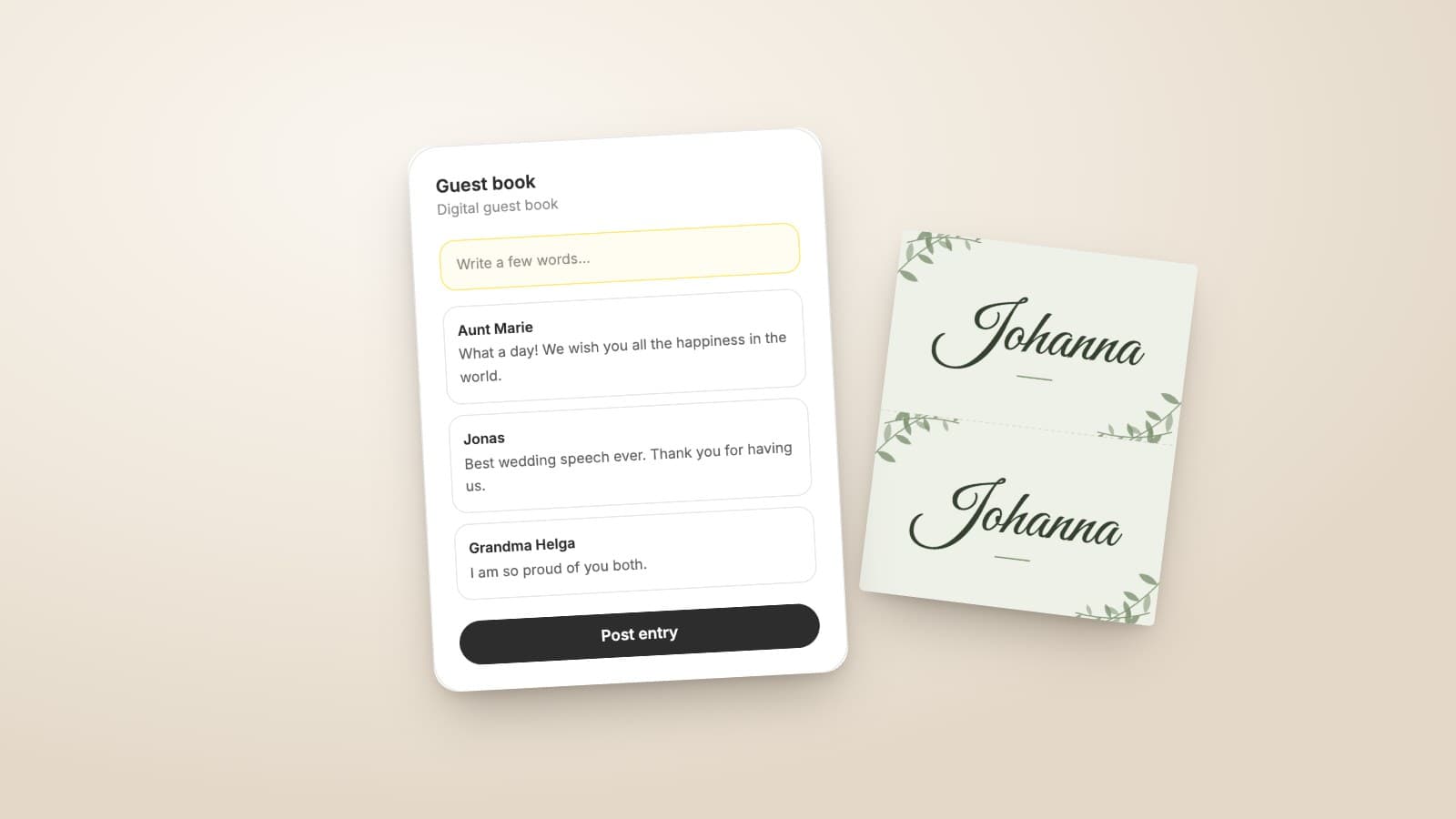
Digital Wedding Guest Book: How It Works and When Paper Is Better
What a digital guest book can do, where paper is still better, and how to get guests writing. With questions that help against the empty page.
Read article