
A live photo wall fed by every guest’s phone.
Guests scan the QR code on the screen, upload in the browser, and their photos appear on your projector or TV straight away. No app, no hardware to rent, one fixed price per event.
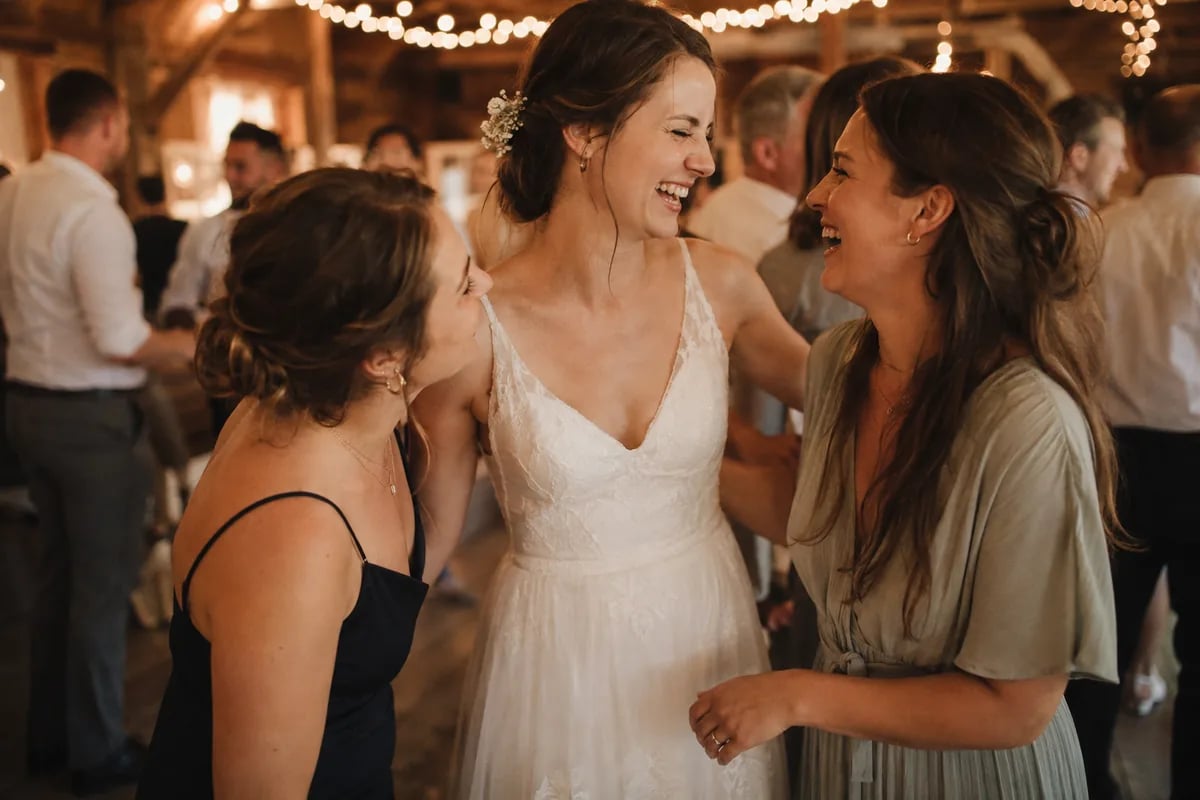



Three views, one link.
Spotlight, mosaic or slideshow: switch between them here to see how the wall looks. You pick the view in the event settings, and during the party the keys 1, 2 and 3 switch it on the spot.
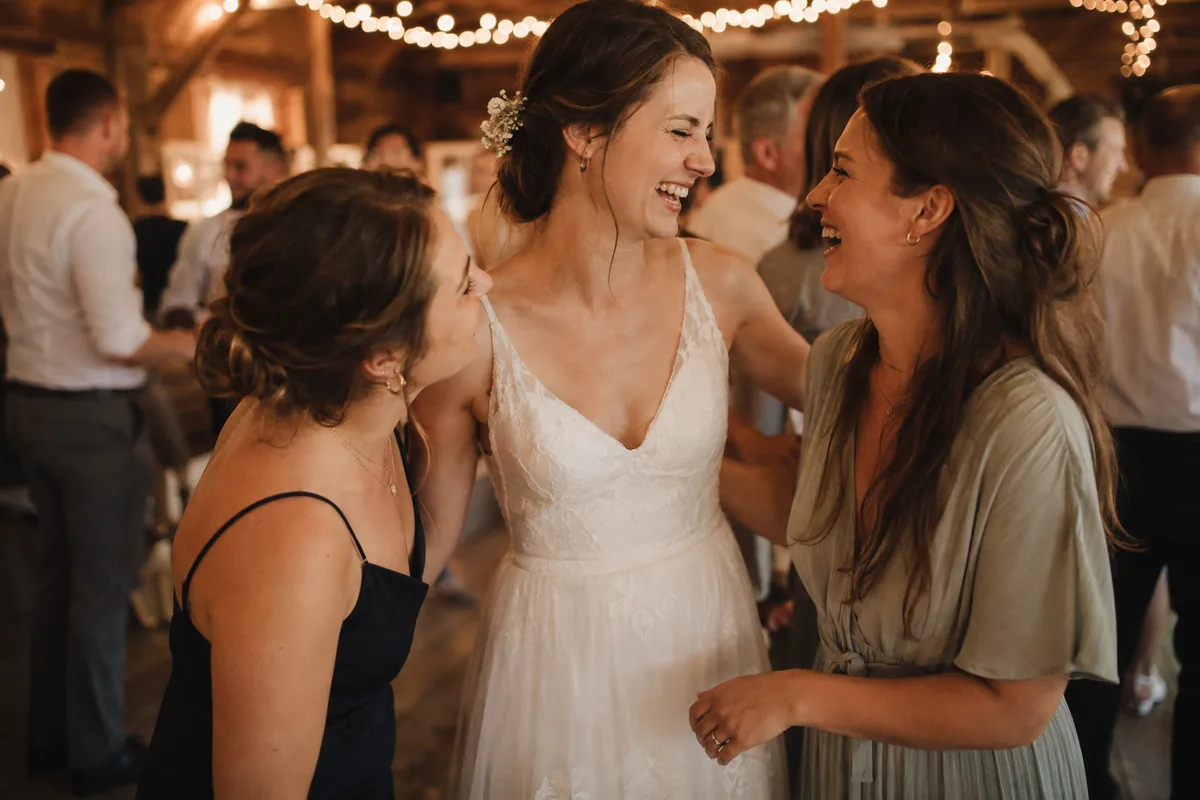
Mia
Anna & Ben
Capture precious moments of our celebration for us.
Scan the code and upload your photos – they appear here instantly.
Demo with sample photos. On your wall, your guests’ photos appear as soon as they are uploaded.
Set up in minutes, running all night.
The wall is a web page. Any laptop or smart TV with a browser can show it, so the projector your venue already has is enough. New photos arrive over a live connection, and the wall keeps itself up to date.

Switch it on
Open your event, turn on the live photo wall and choose spotlight, mosaic or slideshow. Set how long each photo stays on screen, anywhere from 3 to 120 seconds.

Open the link on the big screen
Open the private wall link on the laptop or smart TV connected to the projector and press F for fullscreen. The space bar pauses the wall, the keys 1 to 3 switch the view.

Guests scan the code on the wall
The QR code on the screen opens the upload page. Guests pick photos in the browser, without an app or an account, and moments later they are on the wall.
Why a live wall gets more photos uploaded.
Guests who see the evening on the big screen upload during the party rather than a week later. The wall is the reminder nobody has to say out loud.
The QR code is on the screen itself
Everyone who looks at the wall sees how to join in. In spotlight and mosaic the code sits right next to the photos, with a headline and a short text you write yourself. Prefer printed cards on the tables? Switch the code off.
- QR card with your own headline and text
- Show or hide the code with one switch
- Table cards from the free card studio work alongside it
Scan us
Live photo wall
Open the camera, scan the code, upload photos.
No app, no sign-up
Uploading takes seconds, in any browser
Guests install nothing and sign up nowhere. They pick photos from their camera roll, and as soon as an upload is finished the photo joins the rotation on the wall.
- No app and no account for guests
- Optionally show who uploaded each photo
- Album bar to filter the wall by album
After the party, the wall becomes your archive
Everything shown on the wall stays in your private gallery. Download every photo as a ZIP in original quality, or play them back later as a slideshow on the TV.
- ZIP download in original quality from Pro
- Slideshow playback of the whole gallery
- 12 months of storage on Pro, 24 on Ultra
Download all photos
412 photos as a ZIP
Original with metadata
Full resolution · largest file
HD quality
High resolution · medium file
SD quality
Small & fast
Only people with the link can open the wall.
The wall runs on a private link, separate from the one your guests use. If it ever ends up in the wrong place, renew it in the settings and the old link stops working. The wall shows photos only, never videos, and your files are stored encrypted in the EU with the server in Germany.
Your most beautiful moments. One fair price, paid once.
All your guests' photos and videos in one place – no app, no subscription. You pay once per event and keep your memories safe.


 2,000 photos10 videosGallery in 5 languagesNo app or account needed for guestsPrivate, ad-free galleryStored in the EUStored for 12 monthsOriginal qualityMass downloadLive photo wall for projector & TVUnlimited guestsPassword protected eventsManage guest permissionsCreate unlimited albumsAutomatic duplicate checkDigital guest bookExtend storage from €14.90
 10,000 photos30 videosGallery in 5 languagesNo app or account needed for guestsPrivate, ad-free galleryStored in the EUStored for 24 monthsOriginal qualityMass downloadLive photo wall for projector & TVUnlimited guestsPassword protected eventsManage guest permissionsCreate unlimited albumsLocation recognitionAI categorizationAI searchMultilingual photo descriptions & placesCustom subdomainCustom colorsDigital guest bookExtend storage from €14.90
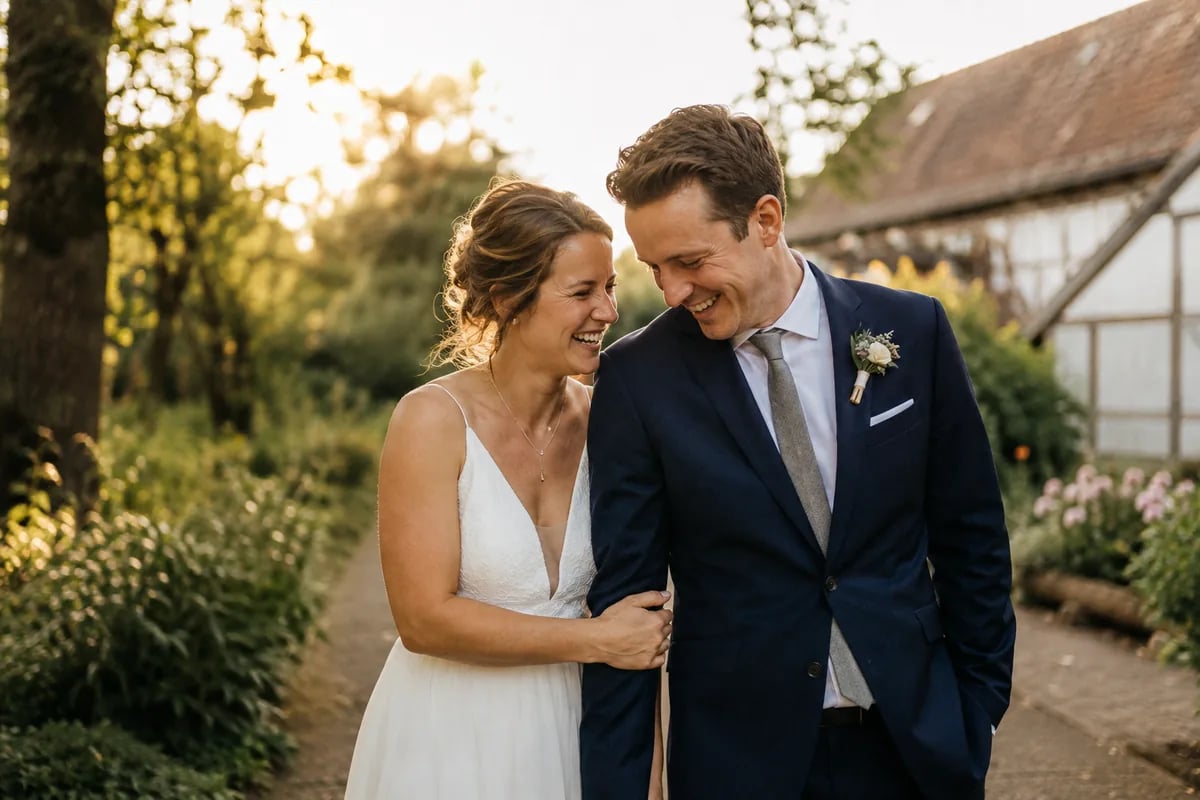
Real memories from real guests
The best pictures of your celebration are not taken in front of the photographer's camera, but in the hands of your guests.

14 days money back
Not satisfied? Full refund!

Secure payment
Encrypted with Stripe

Simple & Transparent
No hidden costs
Questions about the live photo wall
Screen, plans, settings: what hosts ask before the party.
A screen at your event that shows guests’ photos as they are uploaded. With Snapveil, guests scan a QR code, upload from their phone’s browser, and the new photo appears on the projector or TV a moment later, in spotlight, mosaic or slideshow view.
A laptop, smart TV or other device with a web browser and internet access, connected to a projector or large screen. You open the private wall link from your event settings and switch to fullscreen. There is no app to install and no extra hardware to rent.
Pro and Ultra, as a one-time price per event: €29.90 for Pro and €59.90 for Ultra. On the free plan you can preview the wall with your own photos in the event settings before you upgrade.
No. The live photo wall displays photos only. Videos that guests upload on Pro or Ultra land in your gallery as usual and can be downloaded there.
Yes. The QR code, the uploader’s name under each photo and the album bar can each be switched on or off. You can also write your own headline and text for the QR card and set how long each photo stays on screen, from 3 to 120 seconds.
A photo booth takes pictures in one corner of the room. The live wall shows the pictures every guest takes on their own phone, all evening and everywhere at once. Many hosts use it instead of a booth, but it does not print photos.
Only people who have the wall link. It is separate from the link your guests use to upload, and if it is shared by mistake you can renew it, which stops the old link from working.
Also fits your occasion
The same gallery, cut for other celebrations — with the details that matter there.