
QR Code Photo Sharing: Every Guest Photo in One Private Gallery.
Guests scan the code with their phone camera and upload on the spot — no app, no account, no chasing anyone for pictures afterwards.
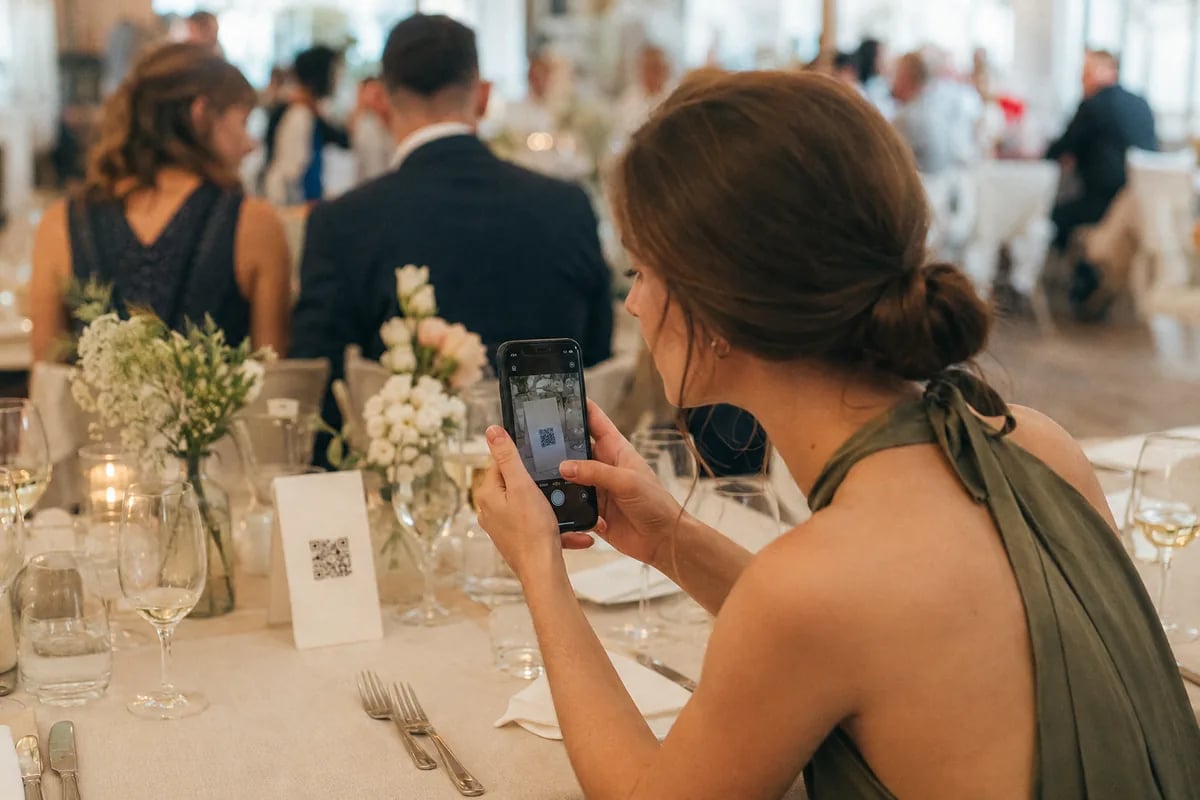
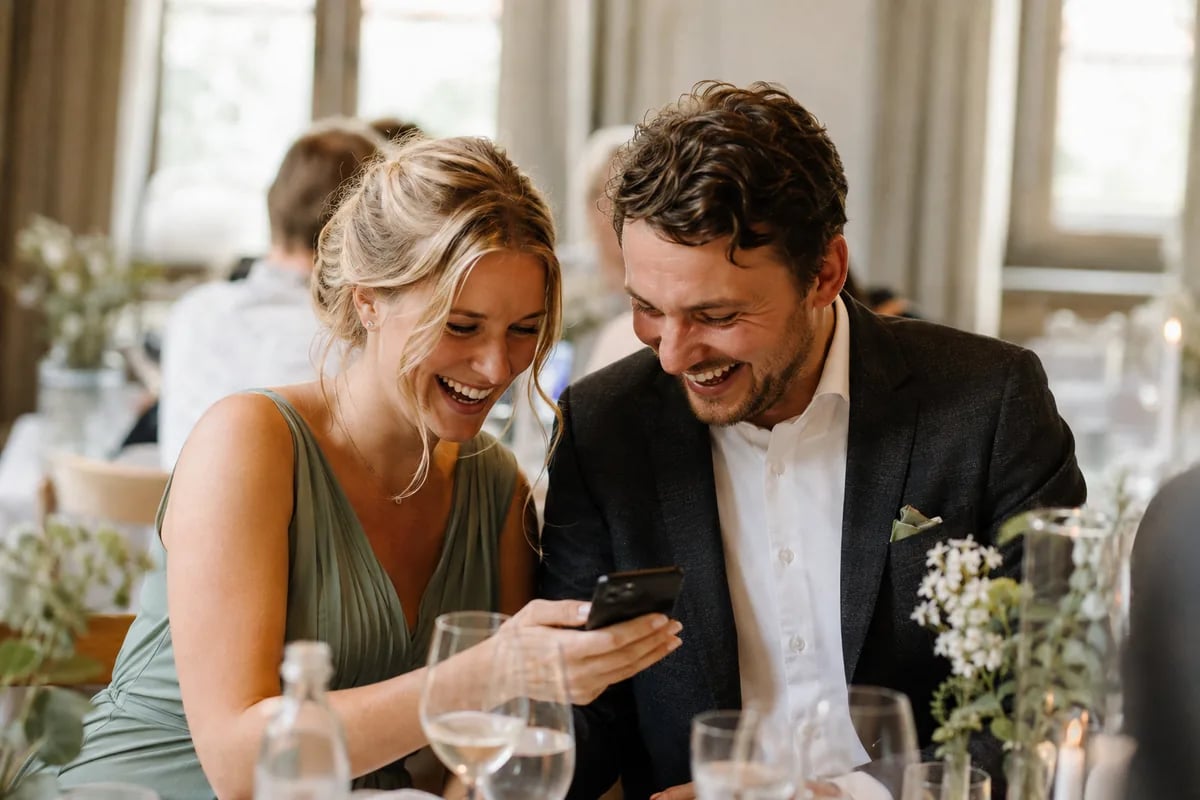
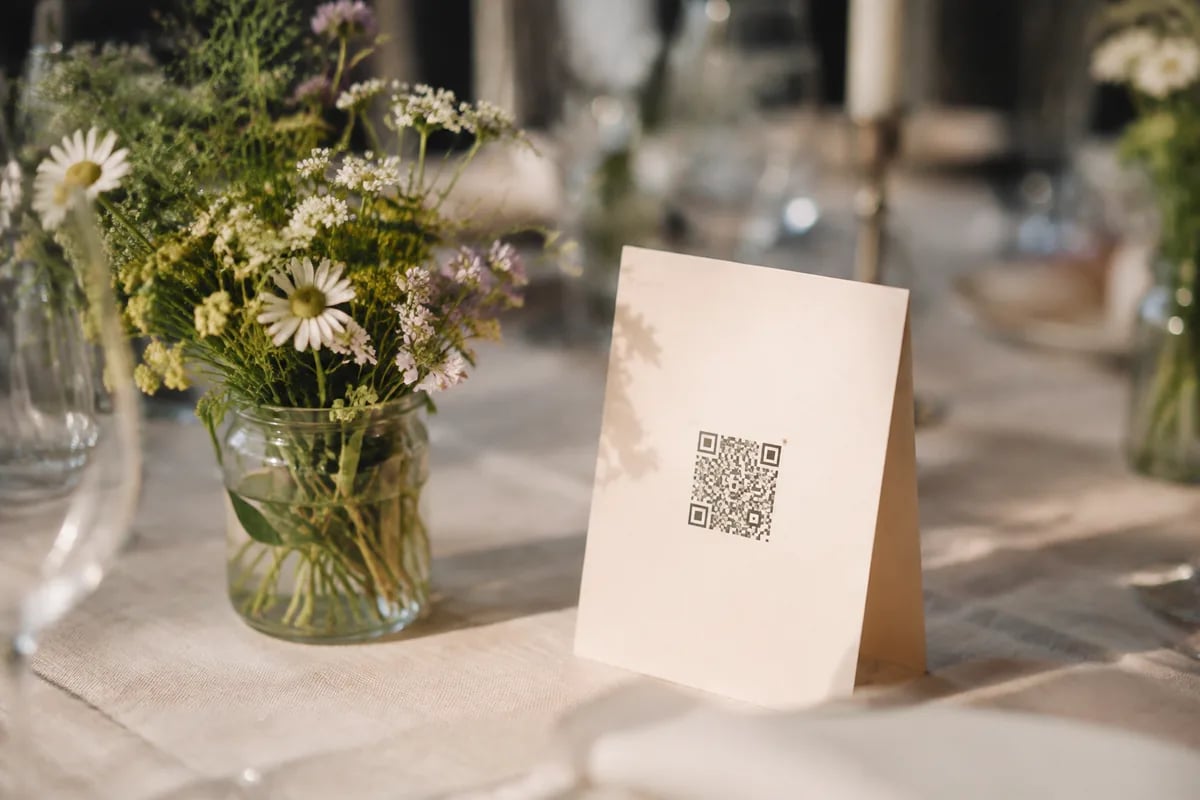

From the code on the table to the photo in your gallery — in three steps.
Weddings are full of QR codes now: one for the wifi, one for the wedding website, one for song requests, one for the seating chart. The one you will still care about years later is the photo code — without it, the best shots of the day stay scattered across a hundred camera rolls.

Create the event, get your code
Set up your event and you instantly get your own QR code plus a matching link. Both open the same upload page.

Put the code where people look
Table cards, the welcome sign, the menu, or the invitation itself. All it needs is decent light, easy reach and enough print size.

Guests scan and upload
Open the camera, point it at the code, tap the banner that appears. The upload page opens in the browser — nothing to install, nothing to sign up for.
What is actually inside that little black-and-white square.
A QR code is a web address in picture form. The camera spots the pattern, decodes the address and opens it in the browser. That is why nobody at your wedding needs an app to join in — and why every photo lands exactly where it belongs.
A code every phone already understands
The code holds nothing but the address of your upload page. On iPhones since iOS 11 and on current Android phones, the scanner sits right inside the camera app: point, tap the banner, pick the photos.
- One code and one link, both opening the same upload page
- No scanner app to install — the normal camera does it
- Guests upload without signing up, and there is no guest limit
Scan us
QR code photo sharing
Open the camera, scan the code, upload photos.
No app, no sign-up
Everything lands in your private gallery
Every upload shows up in your event gallery in the browser. It is private by default, password protected if you want, and you decide per guest who may upload, who may download and who only gets to look.
- Private by default, password protection from the Pro plan
- Per-guest rights: upload, download, or view only
- Duplicate uploads are detected automatically
Type “cutting the cake” instead of scrolling for an hour
On the Ultra plan (€59.90 once) you search your gallery in plain language. The AI sorts every photo into categories as it arrives, adds tags, and reads the GPS data to tell you where a shot was taken.
- AI search in natural language, like “cutting the cake”
- Automatic categories and tags for every single photo
- Location detection from the GPS data in your photos
The code is public. Your photos are not.
Behind the code sits a private gallery nobody stumbles into. Photos are stored encrypted in the EU, the server is in Germany, the whole setup is GDPR compliant, and nothing is sold or mined for advertising. If you want another layer, the Pro plan adds a password to the gallery and lets you limit what individual guests can see or download.
Your most beautiful moments. One fair price, paid once.
All your guests' photos and videos in one place – no app, no subscription. You pay once per event and keep your memories safe.


 2,000 photos10 videosGallery in 5 languagesNo app or account needed for guestsPrivate, ad-free galleryStored in the EUStored for 12 monthsOriginal qualityMass downloadLive photo wall for projector & TVUnlimited guestsPassword protected eventsManage guest permissionsCreate unlimited albumsAutomatic duplicate checkDigital guest bookExtend storage from €14.90
 10,000 photos30 videosGallery in 5 languagesNo app or account needed for guestsPrivate, ad-free galleryStored in the EUStored for 24 monthsOriginal qualityMass downloadLive photo wall for projector & TVUnlimited guestsPassword protected eventsManage guest permissionsCreate unlimited albumsLocation recognitionAI categorizationAI searchMultilingual photo descriptions & placesCustom subdomainCustom colorsDigital guest bookExtend storage from €14.90

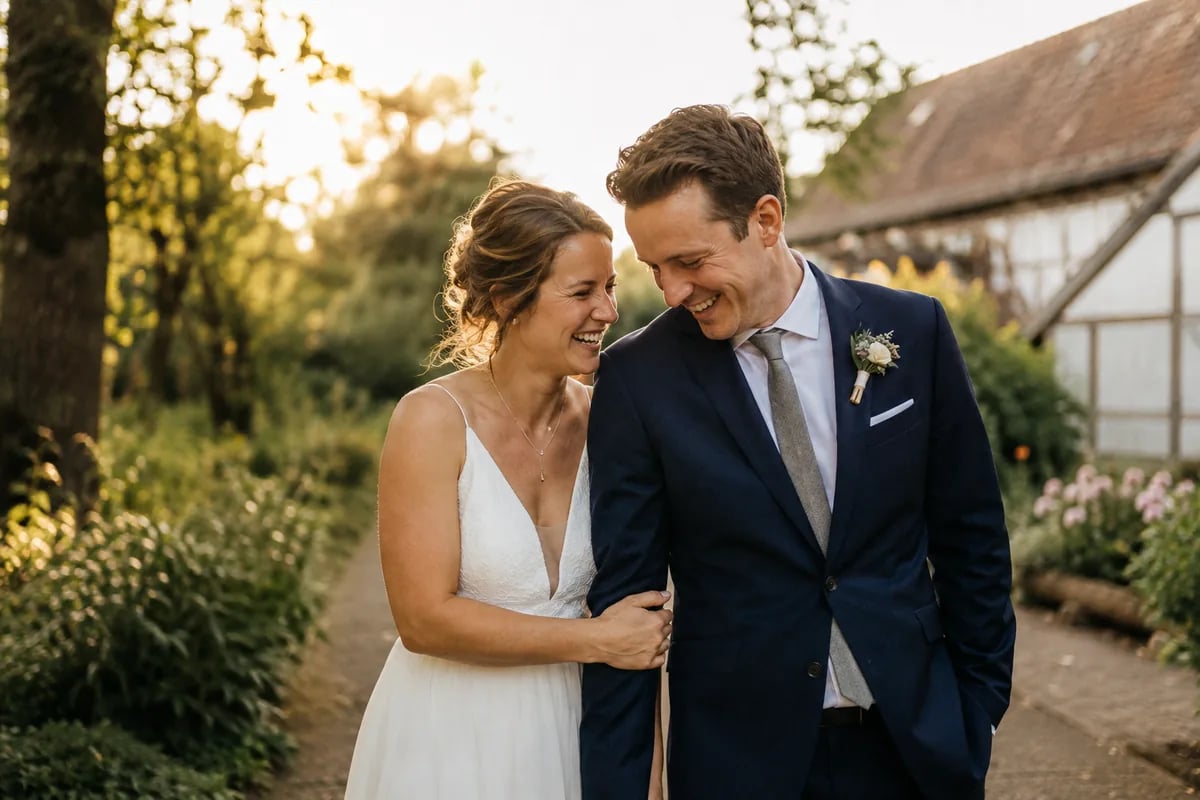
Real memories from real guests
The best pictures of your celebration are not taken in front of the photographer's camera, but in the hands of your guests.

14 days money back
Not satisfied? Full refund!

Secure payment
Encrypted with Stripe

Simple & Transparent
No hidden costs
QR code questions, answered
Creating it, placing it, scanning it — what couples ask most before the big day.
Create a free event on Snapveil and you get a QR code and a link right away. Print the code on table cards, signs or invitations. You need an account, your guests do not.
Usually for the wifi password, the wedding website, song requests or the seating chart. The photo code is the one that still matters years later: it sends guests to a page where they upload their pictures straight into your gallery.
The pattern is a web address in picture form. The camera recognises the square, decodes the address and shows it as a tappable banner. Tapping opens the page in the browser — nothing gets installed and nothing gets stored on the phone.
A good rule of thumb is one tenth of the scanning distance: scanning from 30 cm needs roughly 3 cm of printed code. Strong contrast, a clear white margin around the square and a matte finish that does not reflect the phone light matter just as much.
Nothing extra — every event comes with one. The free plan collects 250 photos over two months in SD quality. Pro is a one-off €29.90 for 2,000 photos, 12 months and original quality; Ultra is €59.90 for 10,000 photos plus AI search.
Every event also has a plain link next to the QR code. Send it by message, put it on your wedding website, or type it into the guest's phone yourself. Both routes open exactly the same upload page.
Yes. A Snapveil event with its QR code is free for up to 250 photos stored for two months. If you only need the printable card for a link you already have, the free QR code generator makes one without an account.
They open the phone camera, point it at the code and tap the link that appears. The gallery opens in the browser; guests enter their name once, choose photos from their camera roll and upload them. Nothing is installed.
A QR code can point to any link, including a shared cloud album. Whether guests can add photos there without signing in depends on that service. A Snapveil gallery is built for exactly this: upload without an account, original-quality downloads from the Pro plan, and control over who sees what.
Also fits your occasion
The same gallery, cut for other celebrations — with the details that matter there.